Affiliate Disclosure: Some links on this page earn us a commission. Our editorial judgments are independent.
CrushOn AI Download: Android, iOS, and Browser — What Works in 2026
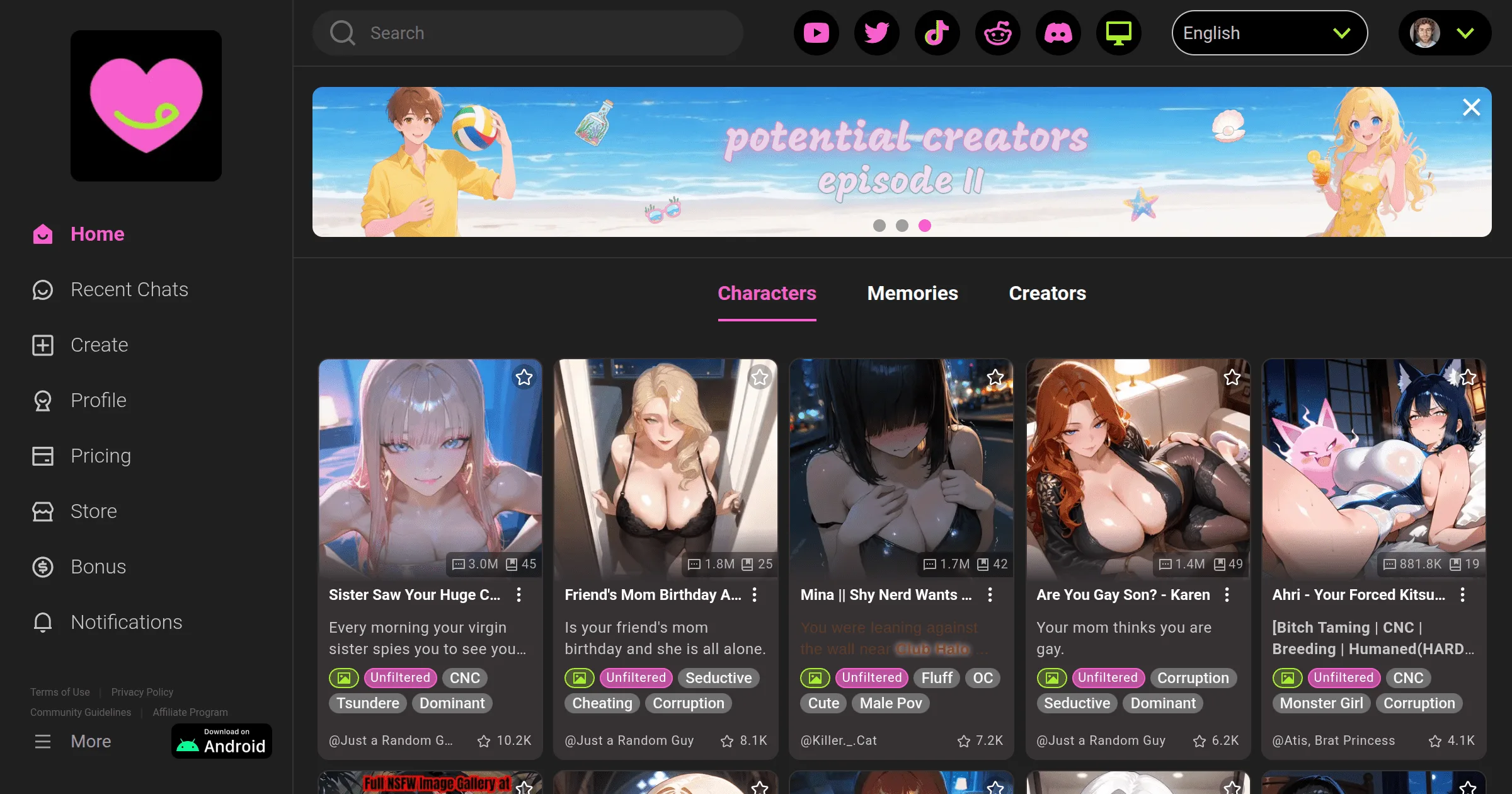
CrushOn AI is available three ways: Android app via Google Play, iOS via browser (with native app availability varying by region), and web browser on any device. The web version at crushon.ai is available to everyone without installation — start there if you are unsure about your mobile platform situation. For Android users, the app install is straightforward. For iOS users, the situation requires explanation.
Web Browser Access — Works on Everything

No download required. The full CrushOn AI platform is accessible at crushon.ai from any modern browser on any device — Windows, Mac, Linux, Android browser, iOS browser.
Web access includes the complete feature set: character library, chat, image generation, model selection, account management. There is no feature penalty for using the web versus the native app. All subscription tiers work identically via web.
Steps:
- Open crushon.ai in your browser
- Sign up with email and password (no payment info required for free account)
- Confirm the 18+ age acknowledgment
- Start browsing or chatting immediately
Browser PWA setup (optional): On Chrome for Android or desktop, you can install CrushOn AI as a Progressive Web App — it adds to your home screen and opens in a standalone window rather than within the browser. In Chrome, look for the "Install app" or "Add to Home Screen" option in the browser menu.
Android App — Google Play Installation
The CrushOn AI Android app is available on Google Play, developed by Peekaboo Tech Inc.
Install steps:
- Open Google Play on your Android device
- Search "CrushOn AI" — confirm developer is Peekaboo Tech Inc.
- Tap Install
- Open the app after installation
- Log in with existing account credentials or create a new account
- Complete age confirmation in-app
If CrushOn AI does not appear in your regional Play Store: regional availability varies. Use the web version at crushon.ai as the alternative — full feature parity.
APK warning: Do not install APK files from unofficial sources. Unofficial APKs carry security risks including malware. If the Play Store does not show the app in your region, the web version is the safe alternative.
iOS Access — The Regional Situation Explained
Apple's App Store has strict content policies that create regional availability issues for adult content apps including CrushOn AI. The native iOS app may not be available in your country's App Store.
What iOS users can do:
Option 1 — Browser access (recommended):
Open crushon.ai in Safari or Chrome on your iPhone or iPad. The site is mobile-optimized. Add it to your home screen via Safari's share button > "Add to Home Screen" for a launch icon that opens directly to the app without browser navigation.
Option 2 — TestFlight (when available):
CrushOn AI has previously distributed iOS builds via Apple's TestFlight beta program. Check the CrushOn AI Discord server for a current TestFlight invite link. TestFlight builds are time-limited and require periodic renewal.
Option 3 — App Store region change:
Some users change their Apple ID's App Store region to access apps available in other markets. This involves creating or switching to an Apple ID with a billing address in a region where the app is listed. This approach is outside standard usage and is not officially supported.
Browser access via Safari on iOS is functionally complete — all features work, including chat, image generation, and subscription management. The only limitation compared to a native app is the absence of background push notifications.
System Requirements
| Platform | Minimum Requirements |
|---|---|
| Android app | Android 7.0+, 2 GB RAM |
| iOS browser | iOS 14+, Safari or Chrome |
| Desktop browser | Chrome 90+, Firefox 88+, Safari 14+, Edge 90+ |
| Connection | Active internet required; no offline functionality |
Cross-Device Account Sync
Your CrushOn AI account syncs across all access methods. Log in with the same email/password on:
- Android app
- Any web browser
- New devices after reinstall
Conversation history, character collections, and subscription status are all account-level — not device-specific. Switching between phone and desktop mid-conversation is seamless.
Frequently Asked Questions
No native Windows application. Browser access at crushon.ai on Chrome, Firefox, or Edge is the desktop experience. Install as a Chrome PWA for a standalone window feel — this is the practical equivalent of a desktop app without a separate installation.
Play Store regional availability varies. If the app does not appear in your market, the web version at crushon.ai provides identical feature access and is the recommended alternative. Never download an APK from unofficial sources.
For feature functionality: yes, equivalent. The Android app's advantage over mobile browser is push notifications and slightly faster loading on repeat visits. The web version works correctly for all chat, image generation, and account features on mobile browsers.
Updates come through Google Play. Auto-update is available if enabled in Play Store settings (Library > Installed > manage auto-update per app). Manual update: Play Store > search CrushOn AI > Update button if available. Web version requires no manual update — you always get the current version in browser.