Affiliate Disclosure: Some links on this page earn us a commission. Our editorial judgments are independent.
CrushOn AI Image Generation: How In-Chat AI Images Work
CrushOn AI's image generation is not a standalone tool — it is woven into the conversation. You describe what you want to visualize, the AI generates it as part of the chat exchange, and the image appears inline in the conversation thread. For a companion platform, this is the right design: images serve the narrative and relationship rather than standing apart from it. Understanding how to use this feature effectively — and its per-tier limitations — makes a significant difference in results.
Image Allocation by Plan
| Plan | Images per Month | Resolution | NSFW Images |
|---|---|---|---|
| Free | Limited (basic) | Standard | No |
| Standard ($5.99/mo) | 50 | Standard | Yes (18+) |
| Premium ($14.99/mo) | 200 | HD | Yes (18+) |
| Deluxe ($49.90/mo) | Unlimited | HD | Yes (18+) |
The HD upgrade from Standard to Premium is the most impactful quality difference in the image feature. Standard images appear acceptable at conversation display size but show compression artifacts at full resolution. Premium's HD output is sharper, more detailed, and better suited for saving.
How to Request an Image
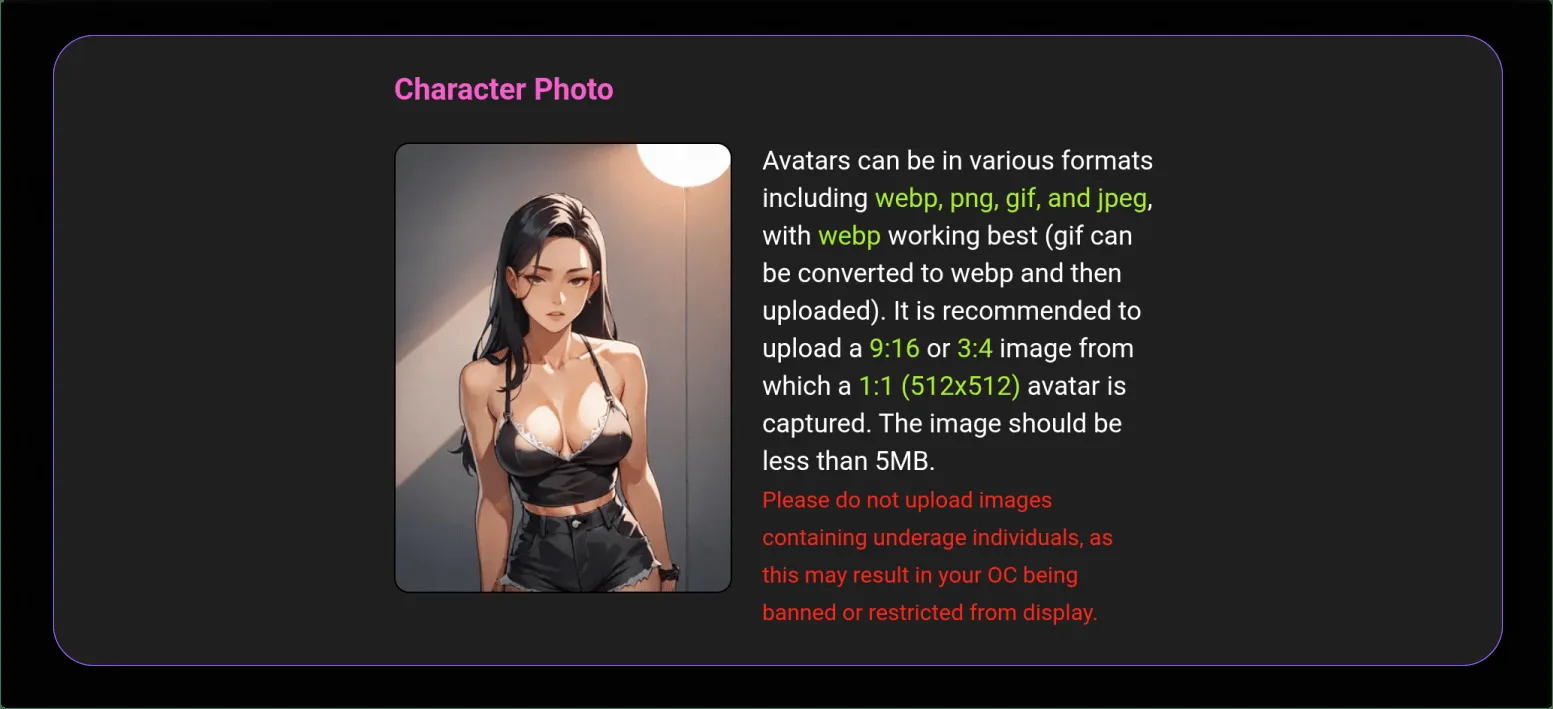
Image generation is triggered through natural language in the chat:
Implicit requests: "Show me what she looks like right now." / "Generate an image of this scene." / "I want to see your office."
Explicit descriptions: "Create an image of [character name] wearing [description] in [setting], with [lighting/mood details]."
Characters can also be configured by their creators to auto-generate images at narrative moments — for example, generating a visual when the scenario reaches a particularly descriptive point. This behavior depends on how the character creator built the character.
The more specific your description, the better the output. In-conversation generation responds to natural language, not Stable Diffusion-style tag syntax. Include: character reference, setting, lighting, mood, any specific appearance details you want emphasized.
The 2026 Image Quality Improvement
Early 2026 brought a notable image quality update to CrushOn AI. Users who evaluated the platform in 2024-2025 and dismissed image generation as insufficient should re-evaluate.
The specific improvements in the 2026 update:
- Better anatomical coherence (particularly hands and facial features)
- Improved prompt adherence — descriptions produce more consistent output
- Sharper detail in HD tier output
- Better handling of scene composition descriptions
The update did not transform CrushOn AI into a Midjourney alternative. These are companion-context images designed to enhance conversation immersion, not production-quality standalone artwork. Within that scope, the 2026 output is meaningfully better than prior versions.
NSFW Image Generation
Adult image generation is available for users on Standard tier and above who have confirmed they are 18+. The request process is the same as SFW images — natural language description within the conversation. NSFW content policies apply: some categories remain restricted regardless of subscription tier.
Standard tier: 50 NSFW images/month — limited but usable for occasional in-conversation image requests.
Premium: 200 HD NSFW images/month — meaningful volume for regular use.
Deluxe: Unlimited — no management consideration required.
Managing Monthly Image Limits
For Standard tier users working within 50 images/month:
- Track usage in account settings (current month allocation visible)
- Reserve image generation for moments where visualization adds genuine narrative value
- Coin purchases can supplement monthly allocation if needed mid-cycle
- Consider upgrade to Premium if you regularly hit the Standard limit
For Premium users at 200 images/month (roughly 6-7 per day): most use patterns are covered without active management.
Saving Generated Images
Images generated in conversation can be saved to your device:
- Web browser: Right-click the image → "Save image as"
- Android app: Long-press the image → save to gallery
- Images save at the generation resolution (Standard or HD)
- Saved images are stored on your device only — not in a CrushOn AI cloud gallery
Troubleshooting Image Generation
No image appears after request:
Check your remaining monthly allocation in account settings — exhausted quotas block generation. Verify your subscription tier includes image generation (free tier has limited access). Reload the page if generation seems stuck.
Image generates blank or corrupted:
Usually a rendering issue. Reload the browser or restart the app. Clear browser cache for crushon.ai if issue persists. If consistently corrupted, report to CrushOn AI support.
NSFW images not generating despite paid plan:
Confirm age verification is complete in account settings. Both a qualifying subscription AND completed 18+ verification are required. Contact support if NSFW remains blocked after verifying both.
Image quality significantly below expectations:
Verify you are on a plan with HD access (Premium or Deluxe). Standard tier produces lower resolution. Also ensure descriptions include sufficient detail — vague prompts produce inconsistent results.
For full troubleshooting covering chat and account issues, see our not working guide. For plan details, see our pricing guide.
Ready to try CrushOn AI?
Visit CrushOn AIFrequently Asked Questions
Image generation requests may consume both an image allocation and a message credit depending on how CrushOn AI counts the interaction. The image itself is counted against your monthly image quota. Check current behavior in account settings or the CrushOn AI help documentation for up-to-date allocation mechanics.
Images you generate are saved to your device and are yours to use personally. Terms of service govern any commercial use. For personal entertainment purposes, saved images can be used freely. Review the current terms of service for specifics on ownership and usage rights.
Image generation is probabilistic — the same prompt generates different outputs each run. This is by design. If you want a consistent character look, be more specific about defining physical characteristics in each prompt. Save images you want to reference for future comparison.
CrushOn AI does not offer in-platform image editing (adjustment, inpainting, outpainting). Images are generated whole-cloth from your prompt. To adjust a result, modify your description and regenerate. Each regeneration uses one image credit.